Introduction:
Undoubtedly, Artificial Intelligence (AI) is radically transforming apps worldwide by providing personalized experiences, smarter features, and higher engagement. Whether you’re targeting mobile or web users, understanding how to integrate AI into an app equips you to deliver applications that feel intuitive and modern.
For instance, for a complete guide, you can check out this detailed tutorial on how to use Poe AI, which covers practical steps for seamless integration and ensures you approach development with clarity and efficiency.
In this guide, we’ll walk you through six refined steps on how to integrate AI into an app, starting from goal-setting to launch and optimization. Along the way, you’ll discover real-world insights, helpful no-code options, and smart tips for professionals everywhere. So, let’s dive in.
How AI Integration Can Transform Your App
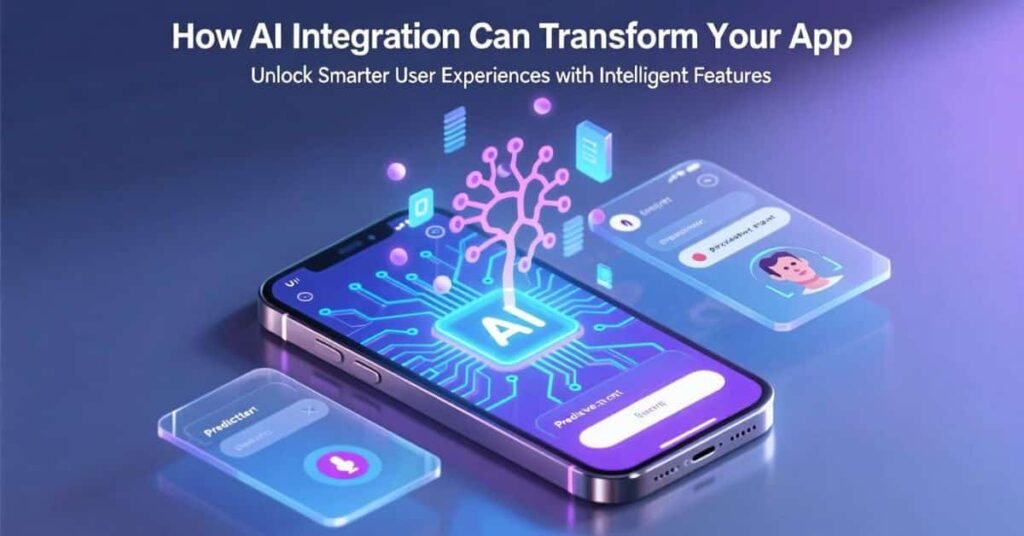
When you integrate AI into an app, functionality shifts from static to adaptive. Your app begins to learn, personalize, and predict, enriching user experience in powerful ways.
Key benefits include:
- Enhanced Engagement: Real-world examples show that AI-based features like chat, personalized suggestions, or tailored interfaces can increase user interaction by 30-40%.
- Smarter Automation: Whether it’s delivering instant replies via chatbots, auto-scheduling tasks, or translating content in real time, AI reduces friction and boosts speed.
- Intelligent Personalization: AI analyzes past behavior to predict user needs, suggest relevant options, or tailor interfaces, making apps feel thoughtful.
- Accessibility: Voice commands, image detection, and handwriting recognition open apps to broader user bases.
- Competitive Advantage: Apps with AI stand out. Leading companies like language-learning platforms are seeing improved subscription growth and investor confidence thanks to AI-driven features.
Simply put, AI is what elevates an app from useful to indispensable, making integration both a smart decision and a business advantage.
Step 1: Set Clear Goals to Integrate AI into an App
Don’t wing AI; instead, define its role. First, set clear goals because solid goals guide choices and ensure value. This way, every feature you build serves a purpose.
Ask:
First, what task will AI streamline?
Next, how will it enhance UX?
Finally, how will success be measured?
Examples:
For example, E-commerce: offer personalized product recommendations and aim to boost conversions by 15%.
In addition, Health & Fitness: generate workout modifications based on user progress.
Similarly, Customer Support: implement FAQ chatbots to reduce response time by 50%.
Clear goals keep you focused, making your AI integration meaningful, impactful, and measurable.
Step 2: Identify the Right AI Features for Your App
Not all AI is built the same. Choose a feature that matters to both your users and your tech stack.
Here’s a breakdown:
| AI Feature Type | Use Cases |
| Machine Learning | Personalized suggestions, predictions, fraud detection |
| Natural Language Processing (NLP) | Chatbots, sentiment insights, content generation |
| Computer Vision | Image tagging, object detection, AR filters |
| Speech Recognition | Voice commands, hands-free navigation, transcription |
| Multimodal Interaction | Combining text, audio, and visuals for richer engagement |
Therefore, AI features should solve real problems and offer big value without overcomplicating development. Starting small is smart, and you can expand once the basics work well.
Step 3: Prepare Your App Infrastructure for AI
Before anything else, ensure your app is AI-ready. This means having robust architecture, solid data handling, and reliable backend logic.
Key steps:
- Conduct an Audit: Evaluate your current app functionality and data flow. Identify high-impact features that AI can enhance.
- Set Up a Tech Stack: Opt for reliable frameworks like Python (with libraries for ML, NLP, and voice/image features). Choose a database (SQL or NoSQL) that scales with AI demands.
- Ensure Secure Data Handling: AI often touches sensitive data.Use encryption and comply with privacy laws like GDPR or CCPA.
- Assess Infrastructure Needs: Decide between local processing (on device) or server/cloud-based deployment depending on performance needs and data privacy.
Step 4: Choose How to Add the AI, Code, or No Code?
You can choose between traditional development using APIs/SDKs or modern no-code/low-code platforms.
Code-Based Integration (APIs/SDKs)
Most robust. Options include:
- Cloud AI Services like AWS AI, Azure AI, or Google AI for powerful APIs and managed infrastructure.
- On-Device Models via TensorFlow Lite or Core ML for fast, offline experiences.
- Open-source frameworks like Hugging Face, LangChain, or Pinecone for customization and efficiency.
This route delivers full control, but requires solid tech planning and integration.
No-Code / Low-Code Options
Build fast, no expertise needed:
- Tools like BuildFire AI, Glide, Base44, Bubble, Adalo, or Lovable let you describe features in plain language and produce working prototypes instantly.
- Vibe Coding Tools with Replit, ChatGPT, or Claude, you can build entire apps with prompts. It’s quick, creative, and ideal for MVPs. Just keep prompts clear and structured.
Pick the approach that best fits your skills, timeline, and goals.
Step 5: Integrate, Test, and Refine
With your goals, AI tools, and approach set, it’s time to integrate carefully and strategically.
- Start Small
- Build a core feature (like a chatbot or recommendation engine) first.
- Test performance, API latency, and user feedback.
- Build a core feature (like a chatbot or recommendation engine) first.
- Evaluate with Real Users
- Run tests with real inputs.
- Watch for edge cases, misunderstandings, or bias.
- Keep refining until outputs feel accurate and helpful.
- Run tests with real inputs.
- Optimize Smartly
- Manage costs by caching or reducing repeat calls.
- Monitor inference time and app speed if using on-device models.
- Gather error logs to refine prompts or improve model training.
- Manage costs by caching or reducing repeat calls.
Step 6: Launch, Monitor Engagement, and Iterate
Launching AI is just the beginning; in fact, continuous improvement is where results truly amplify. For a more detailed breakdown of best practices, you can explore this comprehensive guide on integrating AI into apps.
- To start, conduct a soft launch by rolling out features to a small test group initially. Collect feedback and iterate quickly.
- Next, monitor engagement closely by tracking retention, usage spikes, ratings, and feature frequency.
- Additionally, gather real insights, for example, an AI feature can boost engagement by more than 40% when it’s personalized and relevant.
- Finally, iterate and improve by using new data to retrain models, tweak prompts, and refine UX regularly.
AI must evolve as fast as your users do.
Real-World Snapshots
- Quick Prototype with Vibe Coding: A product designer built “Dog-e-dex” in just two months using prompt-based design and AI testing, no formal training needed, just creative persistence and iterative prompt adjustments.
- Replit’s Solo Startup Revolution: Vibe coding makes building apps accessible for non-coders. Many solo founders can prototype functional tools in just an afternoon using intuitive AI-based prompts.
- Boosting Ad Performance: A startup saw a 40% jump in ad ROI using AI tools like Midjourney and HeyGen. AI not only optimized creative but scaled content production rapidly, fueling product growth and marketing efficiency.
- Business Impact: A bank’s AI tool boosted customer engagement by 40%, while an insurer improved operational efficiency by 20–50%, proving AI can power both UX and business results.
These stories show that integrating AI into an app isn’t just technically achievable; it leads to real-world value.
Common Mistakes (and How to Avoid Them)
Even smart apps can stumble. Watch for these:
- Undefined Goals: Avoid adding AI just because it’s trendy. Clearly define the outcome first.
- Poor Data Practices: Dirty or biased data ruins AI. Always clean and test datasets.
- Underestimating Security: AI handles sensitive data, designed with privacy in mind.
- Overcomplicating Early: Start light. Build proof of concept first before expanding.
- Ignoring Feedback: Apps that don’t evolve fail. Test early, often, and iteratively improve.
Mindfulness at each stage keeps your AI feature strong, ethical, and efficient.
FAQs
What’s the easiest way to integrate AI into an app?
Launch using pre-trained APIs such as Azure AI, Google Vision, or OpenAI. They offer instant value with minimal setup.
Can you avoid writing code to integrate AI?
Absolutely. Tools like Base44, Glide, or Vibe coding platforms let you build functional AI apps without coding skills.
How much does AI integration cost?
It ranges: basic API usage can be free or affordable; full custom models and server hosting can cost more. Start lean and scale with results.
Will AI slow down my app?
Not if optimized. On-device lightweight models or efficient API usage keep performance snappy.
Is AI secure for user data?
Yes, if you encrypt data, use secure endpoints, and follow privacy regulations. Always prioritize user trust.
Nimra Kanwal is an SEO expert helping businesses grow through strategic content and smart search optimization. She writes for Spectraapex and contributes guest posts to top digital blogs.